PIXELMINT
A downloadable tool for Windows
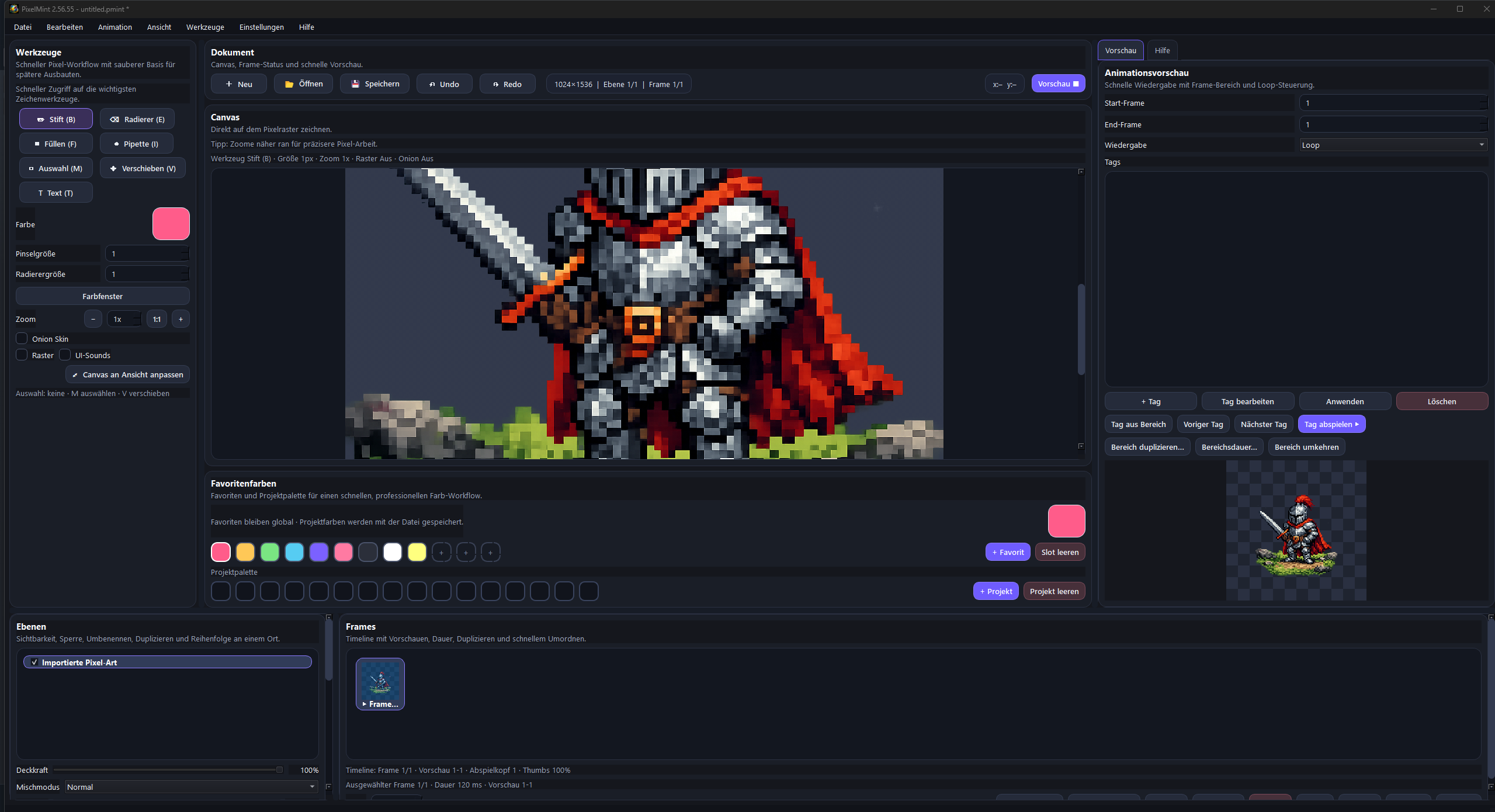
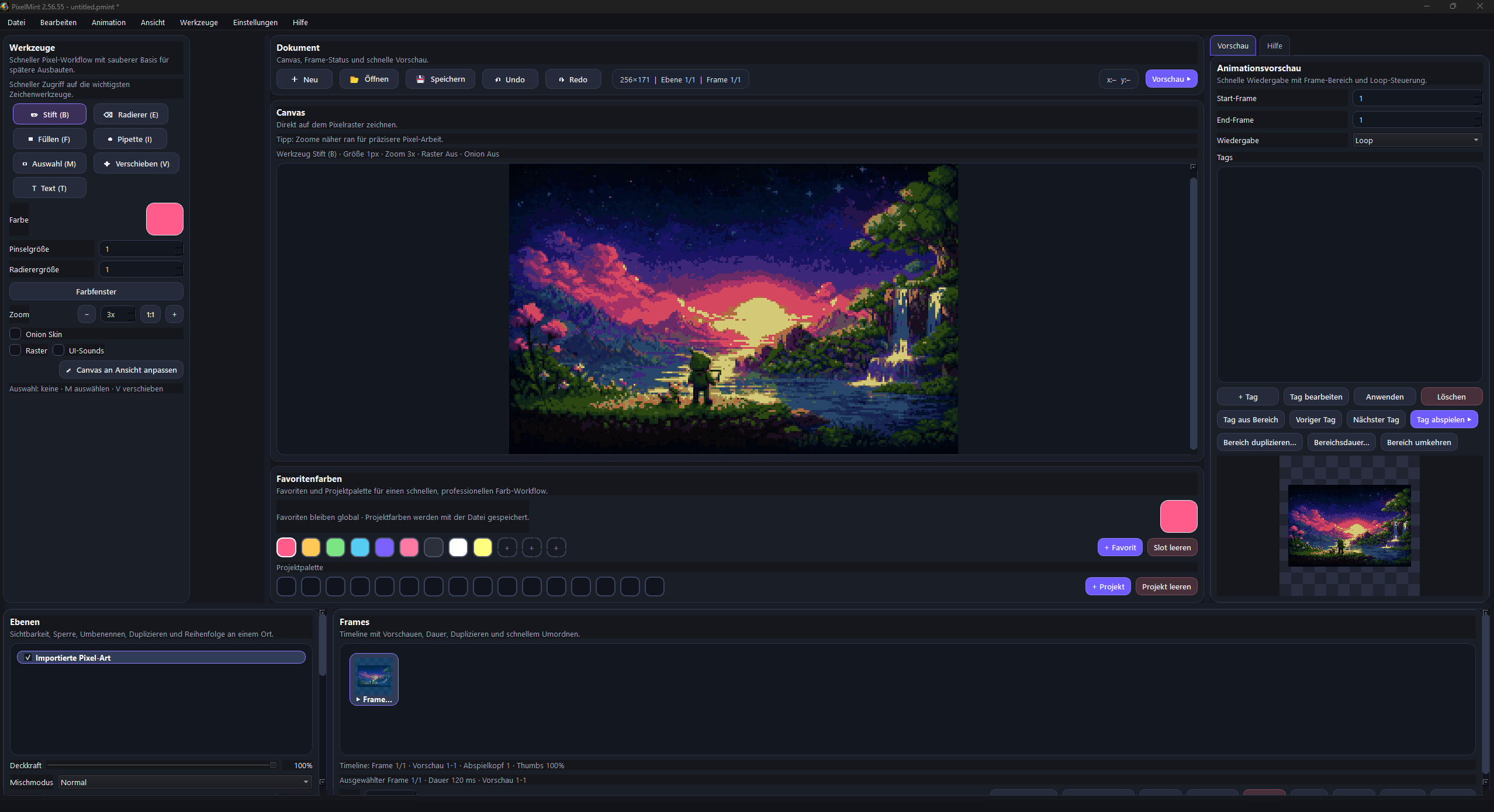
PixelMint is a modern 2D pixel art editor designed for users who want to create sprites, animations, tilesets, and tilemaps in a clear, direct, and enjoyable interface. The focus is on a clean workflow, a modern presentation, and tools that are suitable both for first steps and for more serious 2D projects.
THIS SOFTWARE IS AVAILABLE IN GERMAN,ENGLISH,FRENCH,ITALIAN,RUSSIAN, JAPANESE, CHINESE AND KOREAN
With PixelMint, you can draw individual pixel graphics, create characters and objects for games, build animated sprites, prepare tilesets, and assemble them into tilemaps for levels or environments. The software is built to keep 2D work organized and to support creativity without slowing the process down with unnecessary complexity.
PixelMint is especially aimed at users who want a modern alternative to overloaded or outdated-looking tools and prefer working in a fresh, clean interface. Instead of getting held back by too many menus and detours, PixelMint is made to help you get into the actual creative work faster. Includes support for mouse, touch, and pen input on compatible Windows devices.
- Built to work well with both traditional desktop setups and touch or pen-enabled devices.
What to expect from PixelMint
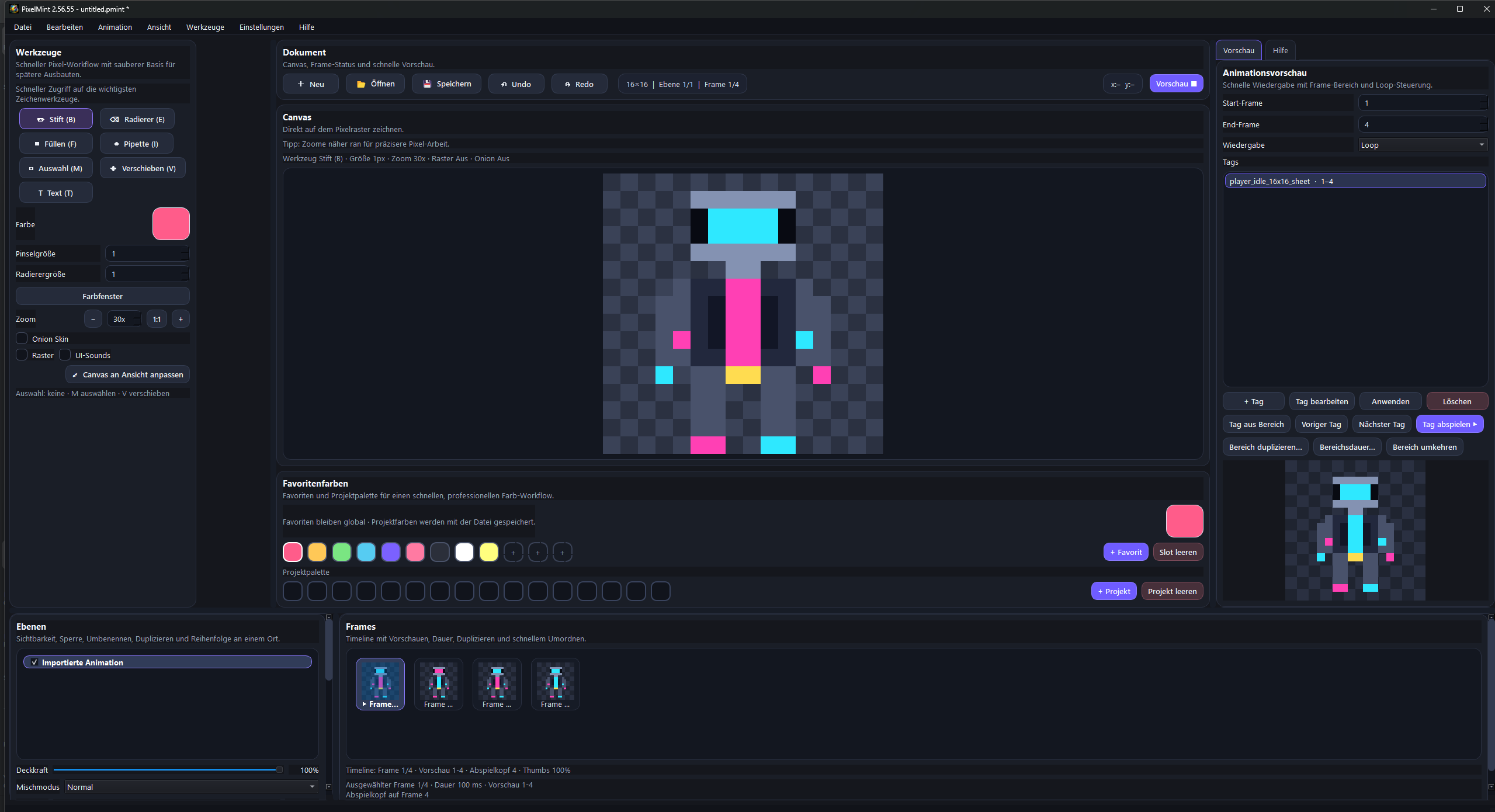
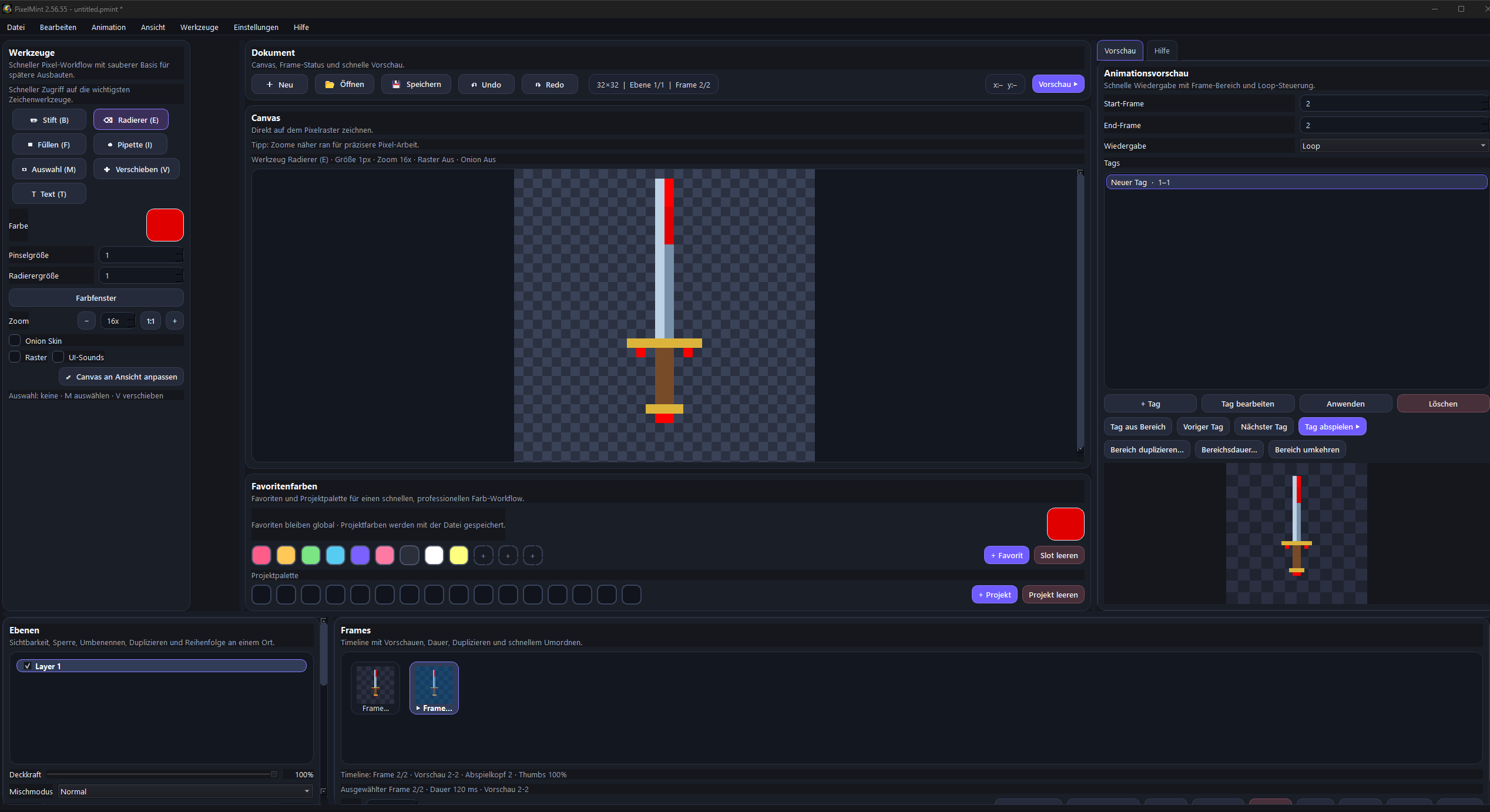
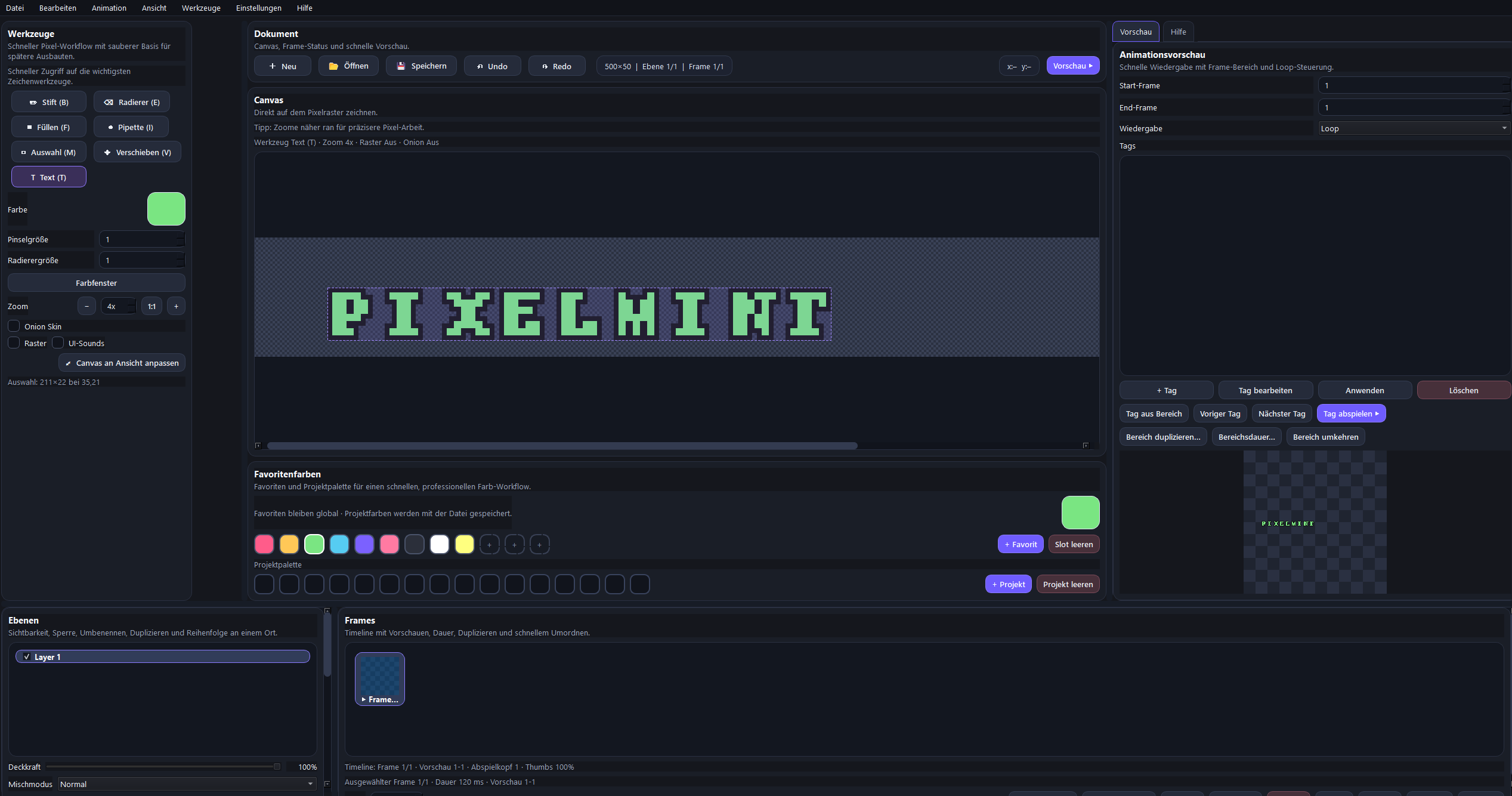
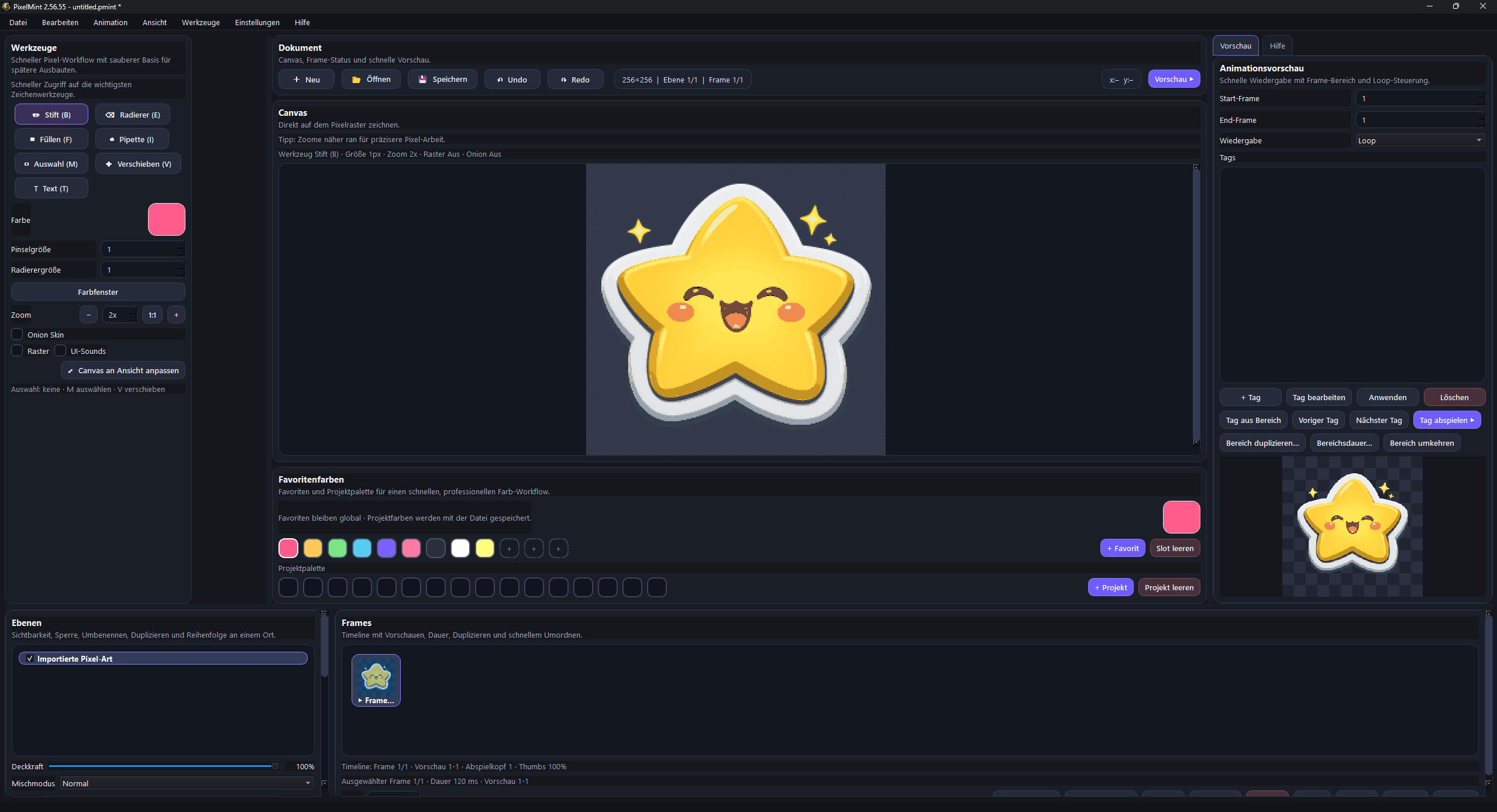
When you launch PixelMint, you are greeted by a workspace designed specifically for 2D pixel art creation. You work directly on a canvas and can organize your projects clearly, use layers, create individual frames, and expand your artwork step by step. This makes the software suitable for both simple static pixel art and for small to medium-sized animation and tileset projects.
PixelMint is especially useful if you want to create content for games, prototypes, UI elements, icons, environments, or tiles. Typical use cases include:
Character and enemy pixel sprites
Objects and items for 2D games
Animations for walk cycles, attacks, effects, or environmental objects
Tilesets for level creation
Tilemaps for rooms, worlds, and 2D scenes
Small interface graphics, symbols, and menu elements
Visual prototypes for game ideas
The main focus is classic 2D pixel work. PixelMint is not a general-purpose graphics program for all kinds of image editing, but a specialized tool built specifically for pixel art workflows.
What experience level is PixelMint suitable for
PixelMint is designed in a way that also makes it approachable for beginners. If you are just starting out with pixel art, you can benefit from the clear structure, the direct handling, and a workflow that does not feel unnecessarily complicated. You do not need to be a professional to use the software in a meaningful way.
At the same time, PixelMint is also appealing to more advanced users who want to work specifically with layers, frame-based animation, tilesets, and tilemaps. If you already have experience with 2D graphics or game development, you can integrate PixelMint into your workflow as a focused creation tool.
PixelMint is especially well suited for:
Beginners who want to learn pixel art and create their first sprites or animations
Hobby artists who want to build their own 2D graphics and small scenes
Indie developers who want to create art assets for prototypes or games
Game jam participants who need visual content quickly
2D creators who want to work with tiles, layers, and animation
PixelMint is less suitable for users who are actually looking for a photo editor, a vector tool, a 3D application, or a complete all-in-one design suite.
What you can do with PixelMint
PixelMint is designed to let you create complete 2D assets for games and creative projects. You can start small, for example with a single object or icon, and later move on to more complex work such as animated characters, environments, or tilemap-based worlds.
With PixelMint, you can for example:
Draw pixel art Create classic pixel graphics by hand and work precisely on a grid. Ideal for characters, weapons, icons, environment assets, and UI graphics.
Work with layers Separate different parts of an image cleanly from each other so you can work with more flexibility and control. This is especially useful for more complex sprites, backgrounds, or different variations of the same design.
Create animations Build frame-based animations to create movement and effects. This allows you to make walk cycles, idle animations, hit reactions, flicker effects, or decorative motion.
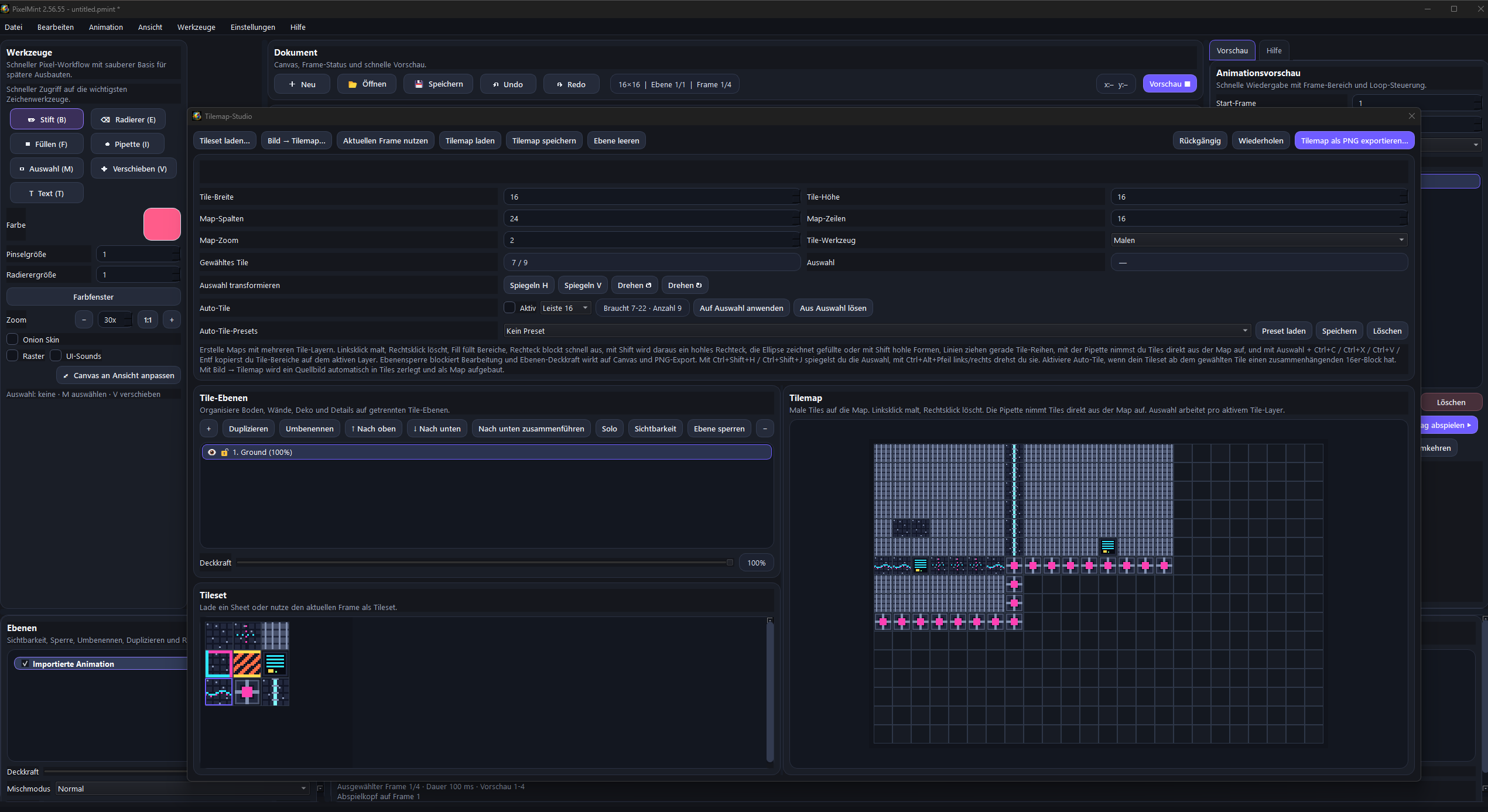
Build tilesets Create reusable tiles for walls, floors, decoration, nature, dungeons, or full game worlds.
Create tilemaps Arrange your tiles into larger maps and scenes. This is especially useful for 2D games, top-down worlds, platformer levels, or prototypes.
Prepare graphics for games PixelMint is well suited for creating content for your own games, mods, prototypes, or hobby projects. It can cover a large part of classic 2D game art production.
Create creative 2D projects Beyond games, PixelMint can also be used for icons, small illustrations, visual experiments, or stylized 2D artwork.
Who PixelMint is especially interesting for
PixelMint is a strong choice if you are specifically looking for a specialized 2D tool and want to work with pixel graphics without having to fight through overly complicated interfaces. If you like to get started quickly and value clarity, modern usability, and a focused toolset, PixelMint will likely feel more comfortable than very heavy or overloaded software.
PixelMint is especially interesting for you if you:
Want to create pixel art for games
Want to build your own sprites and animations
Need tilesets and tilemaps for 2D levels
Are looking for a modern and easy-to-understand tool
Prefer a clean interface over an oversized feature jungle
Want an accessible tool as a beginner
Want a focused editor as an indie developer or hobby creator
What PixelMint is intentionally not
So you know clearly before buying whether PixelMint is the right fit, this point is important:
PixelMint is a focused pixel art editor. It is not a tool for 3D modeling, not a vector drawing program, not a traditional photo editor, and not a full compositing or layout suite for every possible design task.
If you are looking for software for:
Photo retouching
RAW photo development
Vector illustration
3D modeling
Video editing
Complex desktop publishing
General-purpose design work of all kinds
then PixelMint is probably not the right product for you.
However, if you specifically want to create pixel art, sprite work, animations, tilesets, and tilemaps, PixelMint is built exactly for that purpose.
SUPPORT:https://discord.gg/CVEjmfU35
Purchase
In order to download this tool you must purchase it at or above the minimum price of 14.00€ EUR. You will get access to the following files:
Leave a comment
Log in with itch.io to leave a comment.